BootCaT tutorial
Welcome to the BootCaT 2.1 tutorial!
This guide assumes no prior knowledge of the tool and will walk you through the process of creating your own web corpus using BootCaT 2.1.
For users of versions earlier than 2.0: BootCaT is now a browser extension. It runs in your browser on Windows, macOS and Linux.
Create your first project
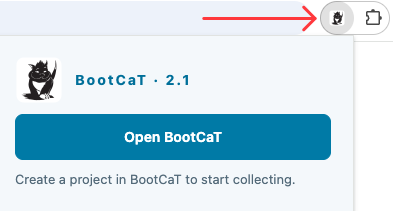
1. Open BootCaT
Click on the BootCaT icon in your browser's toolbar, and then on “Open BootCaT”. If you don't see the icon, see the installation instructions.
2. Start a new project
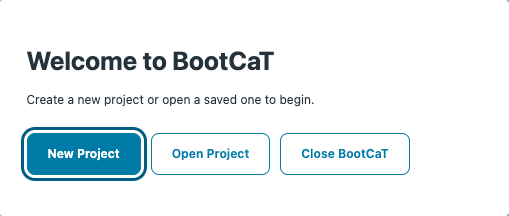
Select “New Project”.
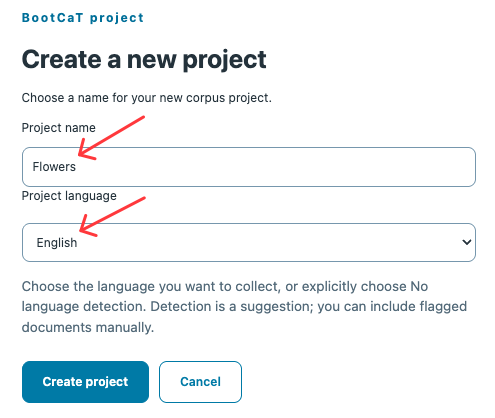
3. Name your project and select its language
Enter “Flowers” as the name of your project and select English as the language. Then click on “Create Project”.
4. View your project
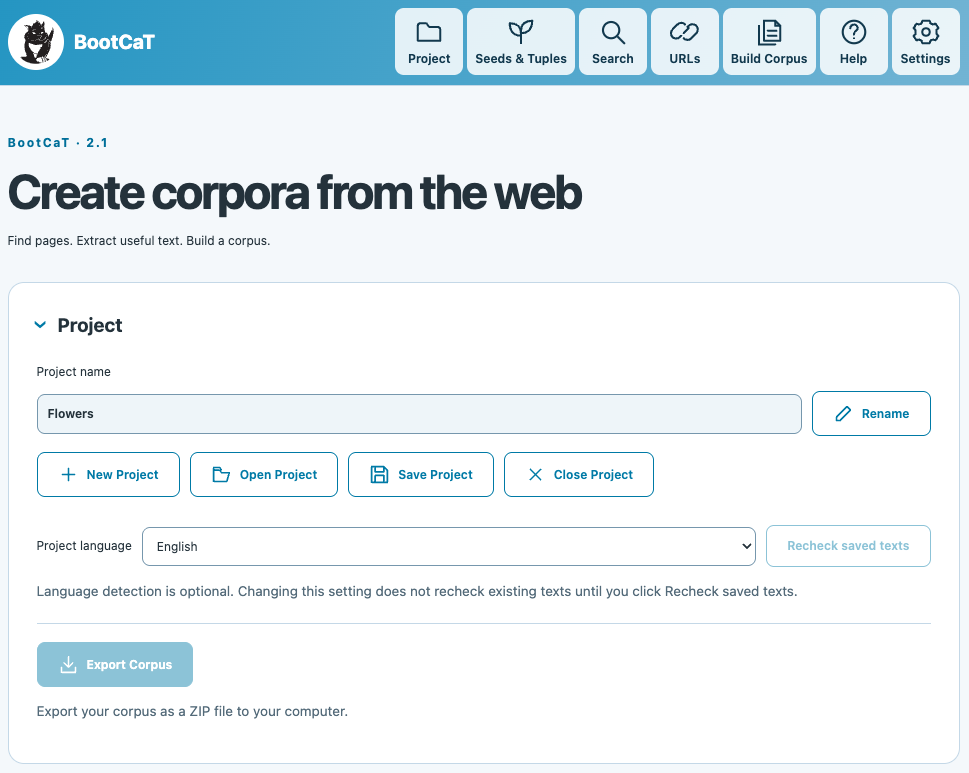
You'll now see the main BootCaT window with the details of your new project.